
Who this is for and what it does
Interpreters keeping their Connexus details up to date: phone number, business name, years of experience, and your certificates and resume.
Before you start
Have any certificate or resume ready as a PDF of 10 MB or less. Other file types are not accepted.
Steps
Select your name at the top of the sidebar, then My Profile. The Profile tab shows your details.
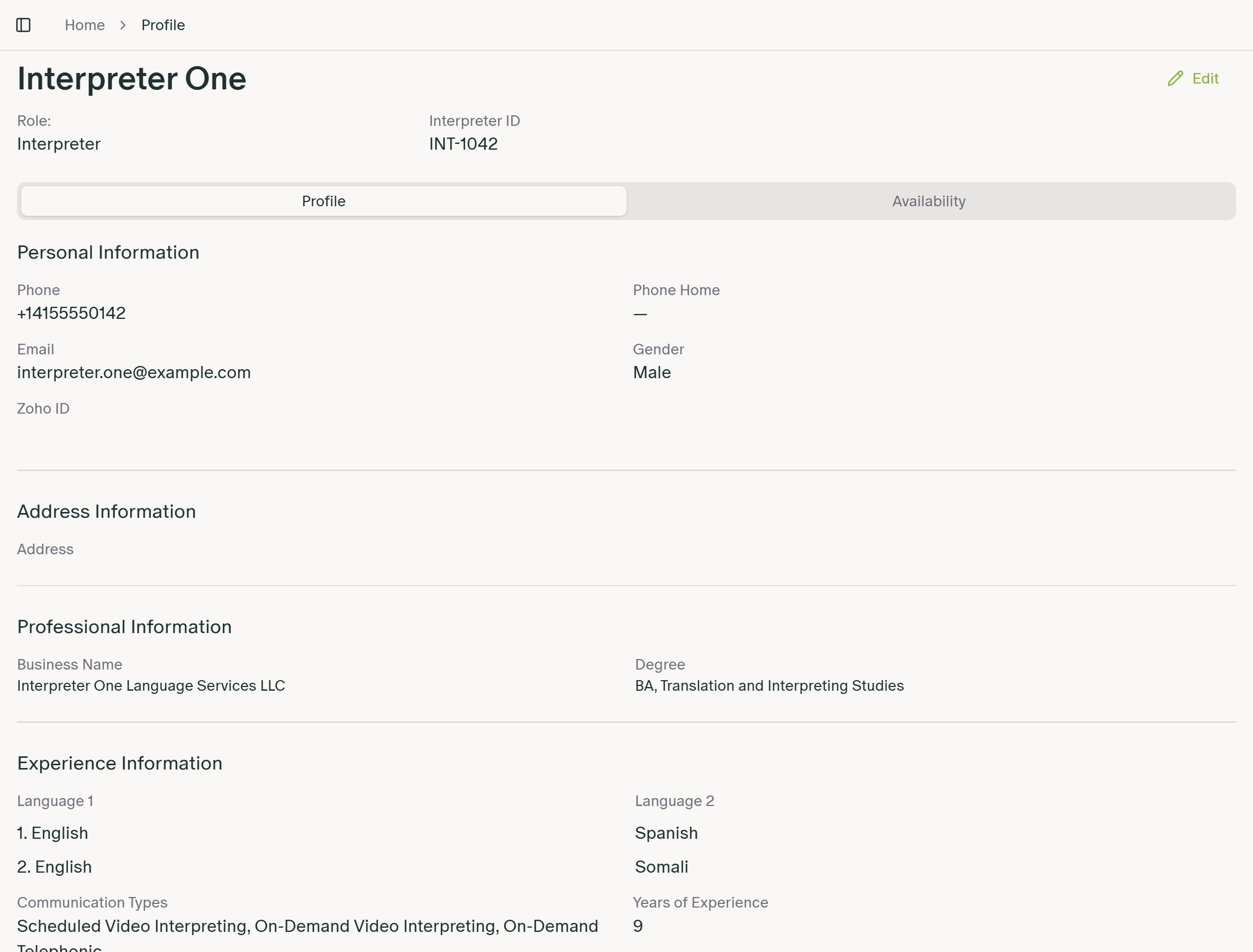
Select Edit.
Change any of these:
First Name, Last Name and Phone.
Business Name.
Your certificate and Resume files: select Choose file next to the one you want to add or replace. Under Certificate Files you can add up to 2 more files with Choose files.
Years of Experience.
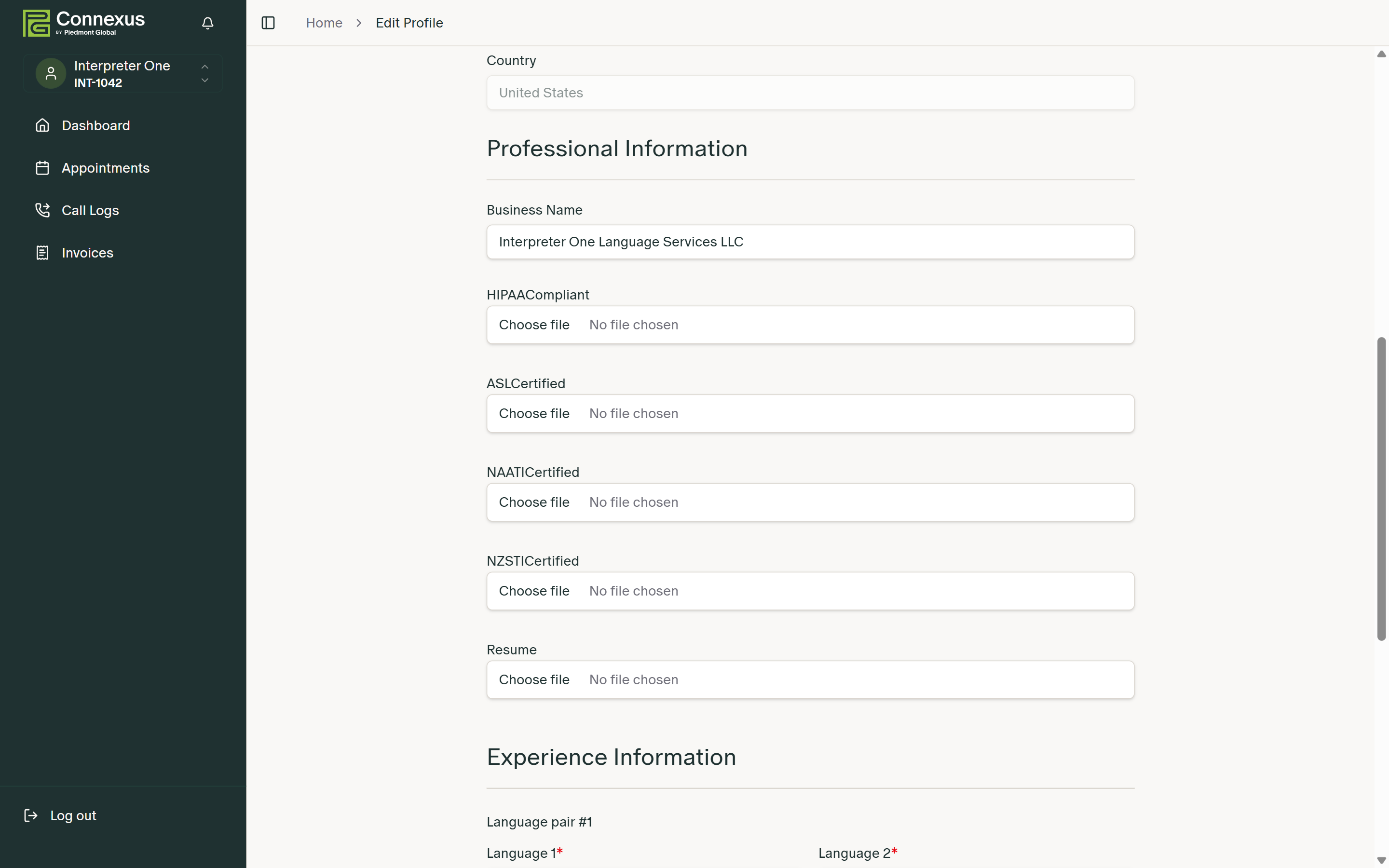
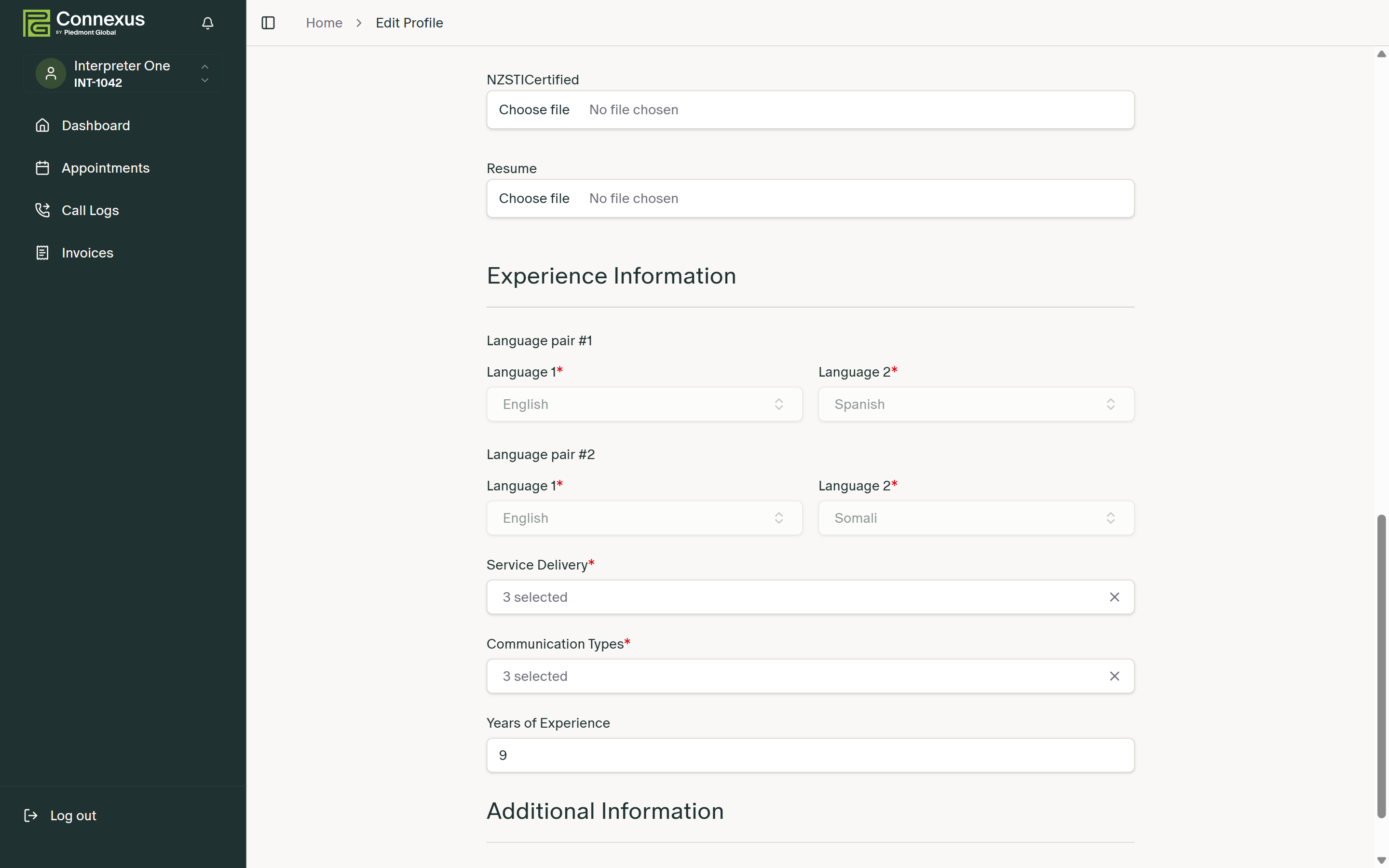
Select Save. To leave without saving, select Cancel, then Yes, cancel.
What you will see
A message confirms your profile was updated and you return to My Profile.
What only Piedmont Global can change. Your Email, your address and your language pairs are shown but locked. Service Delivery and Communication Types, the kinds of work you can be matched to, are locked too and read "Set by Piedmont Global staff." Your rates and other routing settings are not shown here. To change any of these, contact your coordination team at interpreter@piedmontglobal.com.
Things that most often look wrong, and why:
"is not an accepted file type". The file is not a PDF. Save it as a PDF and try again.
"exceeds max size (10.0 MB)". Make the PDF smaller, for example by scanning at a lower resolution.
"You can only upload up to 2 files". Certificate Files holds two at most.
My name is greyed out, with an Enterprise Managed note. Your account comes from your organization's own sign-in, so your name is changed there.
Save does nothing and a field shows a message in red. Correct that field, then select Save again.
Available since March 2026. Updated in Release 11.19.2026.
Last updated 20 November 2026